
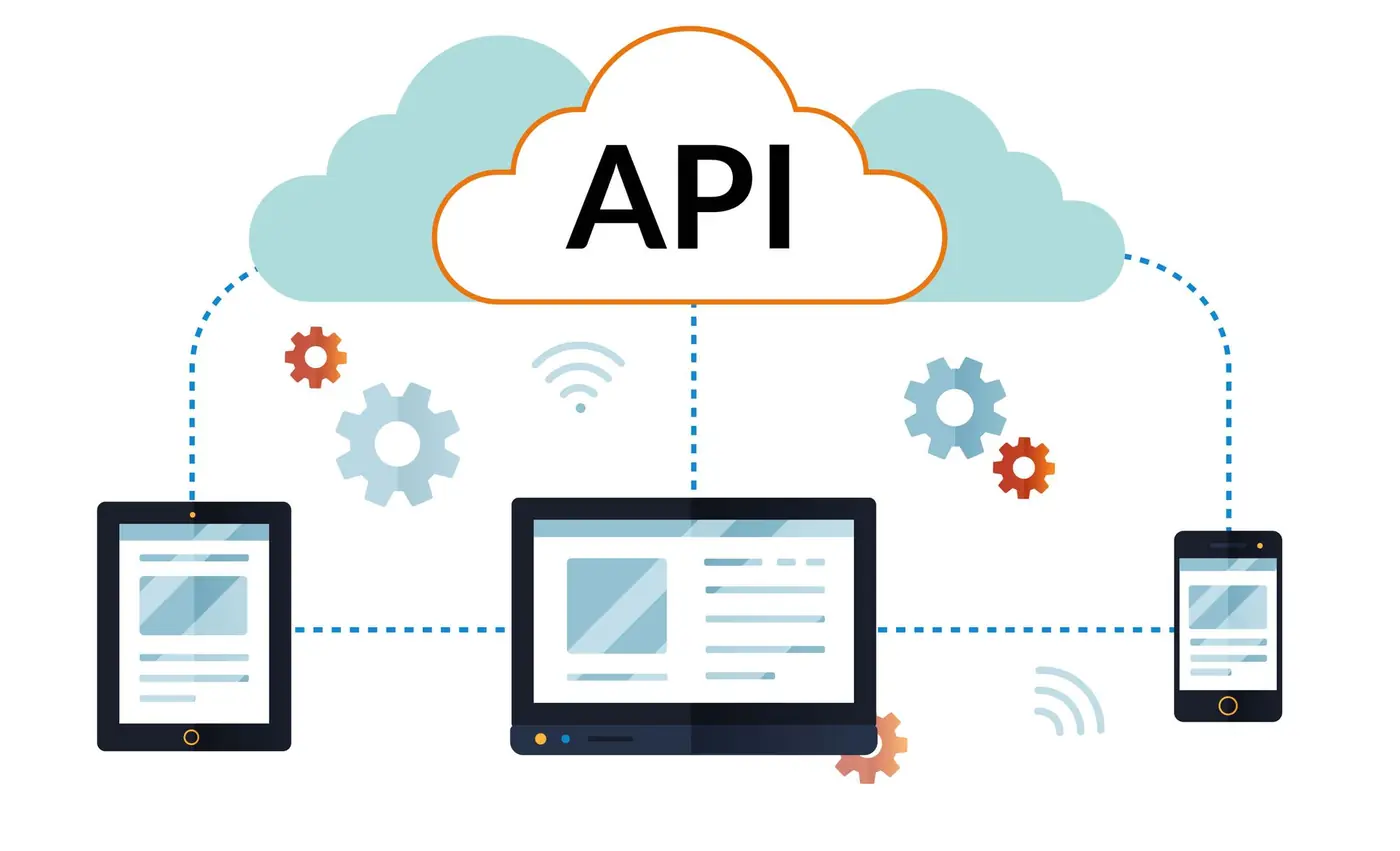
ASP.NET Core in .NET 9 brings a streamlined and powerful way to create OpenAPI documents for your API endpoints. This new built-in support simplifies your development workflow and enhances the integration of OpenAPI definitions into your applications. With the growing ecosystem of tools like Swagger UI, Redoc, and the Kiota client library generator, this feature opens new possibilities for building, testing, and documenting APIs more effectively.
Why OpenAPI?
OpenAPI provides a standard way to define and document HTTP APIs. It describes your API’s endpoints, request and response formats, authentication schemes, and more. This standardisation:
- Improves developer collaboration.
- Makes APIs easier to consume.
- Enables seamless integration with tools and services.
Additionally, many large language models (LLMs) have been trained on OpenAPI documents, enabling automated code generation, testing, and more. By adopting OpenAPI, you unlock the potential to accelerate your development process.
Key Features in .NET 9
With .NET 9, OpenAPI document generation becomes more integrated and user-friendly. Highlights include:
- Runtime and build-time OpenAPI document generation.
- Attributes and extension methods for metadata annotation.
- Transformer APIs for custom document modifications.
- Multiple OpenAPI document generation from a single app.
- JSON schema support via
System.Text.Json. - Compatibility with native AOT in Minimal APIs.
Getting Started with OpenAPI in .NET 9
- Update to .NET 9. Ensure your project targets .NET 9. You can download it from the official .NET website. For existing projects, follow the migration guide available in the ASP.NET Core docs.
Enable OpenAPI support. If starting a new project, OpenAPI is built into the .NET 9 WebAPI template. For existing projects:
dotnet add package Microsoft.AspNetCore.OpenApiIn Program.cs, add OpenAPI services:
builder.Services.AddOpenApi();
app.MapOpenApi();
Add metadata for clarity. Enhance your OpenAPI documents by adding descriptions, summaries, tags, and parameter details using attributes or extension methods:
app.MapGet("/hello", () => "Hello, World!")
   .WithSummary("Get a greeting")
   .WithDescription("This endpoint returns a friendly greeting.")
   .WithTag("Greetings");
Customise your OpenAPI documents. Use transformers to modify your documents:
builder.Services.AddOpenApi(options =>
{
    options.AddDocumentTransformer((doc, ctx, ct) =>
    {
        doc.Info.Contact = new OpenApiContact
        {
            Name = "Support",
            Email = "support@yourcompany.com"
        };
        return Task.CompletedTask;
    });
});
Generate OpenAPI Documents at Build Time
For integration into CI/CD workflows, generate OpenAPI documents during the build process. Install the Microsoft.Extensions.ApiDescription.Server package and configure your project:
<PropertyGroup>
  <OpenApiDocumentsDirectory>./</OpenApiDocumentsDirectory>
</PropertyGroup>
This allows for tasks like linting, client code generation, and automated testing to be seamlessly integrated into your development pipeline.
Versioning APIs with Multiple OpenAPI Documents
One of the quieter but most practical capabilities in this release is publishing more than one OpenAPI document from a single application. Each document is registered by name and served on its own route, which maps neatly onto API versioning:
builder.Services.AddOpenApi("v1");
builder.Services.AddOpenApi("v2");
Endpoints are assigned to a document via their group name, so each document describes exactly the surface that a consumer of that version sees:
app.MapGet("/v1/orders", GetOrdersV1).WithGroupName("v1");
app.MapGet("/v2/orders", GetOrdersV2).WithGroupName("v2");
With this in place, /openapi/v1.json and /openapi/v2.json are generated independently, and that matters because versioning is precisely where API documentation usually falls apart. Hand-maintained specifications drift the moment a second version appears; generated ones cannot. Consumers still on v1 keep an accurate contract while v2 evolves, deprecated operations can be flagged in metadata so generated clients surface warnings, and combined with the build-time generation described above, each version's document can be diffed separately in pull requests to catch accidental breaking changes.
We see the value of this most clearly when modernising older services. Long-lived ASP.NET Web API projects often carry contracts that exist only in the code and in institutional memory; introducing generated, versioned OpenAPI documents is one of the first steps we take in our legacy .NET migration work, because it gives everyone a precise picture of what the old system promises before a modern .NET implementation takes over.
Making the Document Genuinely Useful
Generating a document is the easy part; the value comes from how accurately it describes your API. A few habits make the difference between a specification people trust and one they ignore:
- Declare every response, not just the happy path. Use typed results (
TypedResults.Ok,TypedResults.NotFound) orProducesmetadata so consumers can see the 400s and 404s as well as the 200s, and standardise errors onProblemDetails. - Let your types do the talking. Well-named request and response records, nullability annotations and validation attributes all flow into the JSON schema for free — and every consumer benefits.
- Serve a human-readable view. The .NET 9 template deliberately generates only the document, leaving the UI choice to you: Swagger UI and Redoc remain solid options, and Scalar has become a popular, modern alternative that plugs straight into
MapOpenApi. - Treat the document as an artifact. With build-time generation in place, check the document into source control and diff it in pull requests — an unexpected change to the spec is a breaking change surfaced before release, not after. The same artifact feeds Kiota or NSwag to generate strongly typed clients, so consumers never hand-write HTTP calls against guesswork.
These practices cost very little once wired into the pipeline, and they compound: accurate specs make generated clients trustworthy, which makes teams actually use them.
Where This Stands in 2026
This article was written for .NET 9, which as a standard-term-support release went out of support in May 2026. The good news is that everything above carried forward: .NET 10, the current long-term support release, is where new API work should target, and the built-in OpenAPI support has matured further there — the AddOpenApi() / MapOpenApi() pattern, metadata annotations, transformers and build-time generation all remain the same shape, just more capable. If you adopted this approach on .NET 9, the upgrade is unremarkable in the best sense.
The bigger shift since 2024 has been in how teams work with the specification. The LLM point made above turned out to be understated: as of 2026, AI-assisted tools routinely consume OpenAPI documents to generate clients, tests and integrations, which raises the payoff for an accurate, well-annotated spec. That has pushed many teams — ourselves included — towards a design-first workflow, where the contract is agreed before the first endpoint is implemented and the code is then held to it. We have written up how we approach that in Build Better APIs: design-first Web API best practices, which is the natural follow-on from this piece.
In short: the feature this article introduced is now simply how APIs are built in .NET. If you would like help modernising an existing API estate or starting a new one on .NET 10, our ASP.NET development team can help.
Conclusion
The built-in OpenAPI support in .NET 9 transforms how developers approach API documentation and integration. Whether you're building Minimal APIs or controller-based applications, this feature ensures your APIs are well-documented, easy to consume, and in sync with your code. With Assemblysoft's expertise in .NET and API development, we can help you harness these new capabilities to create robust, future-proof applications.
Contact us today to learn how Assemblysoft can elevate your API development!